Customer paging.Without the pager.
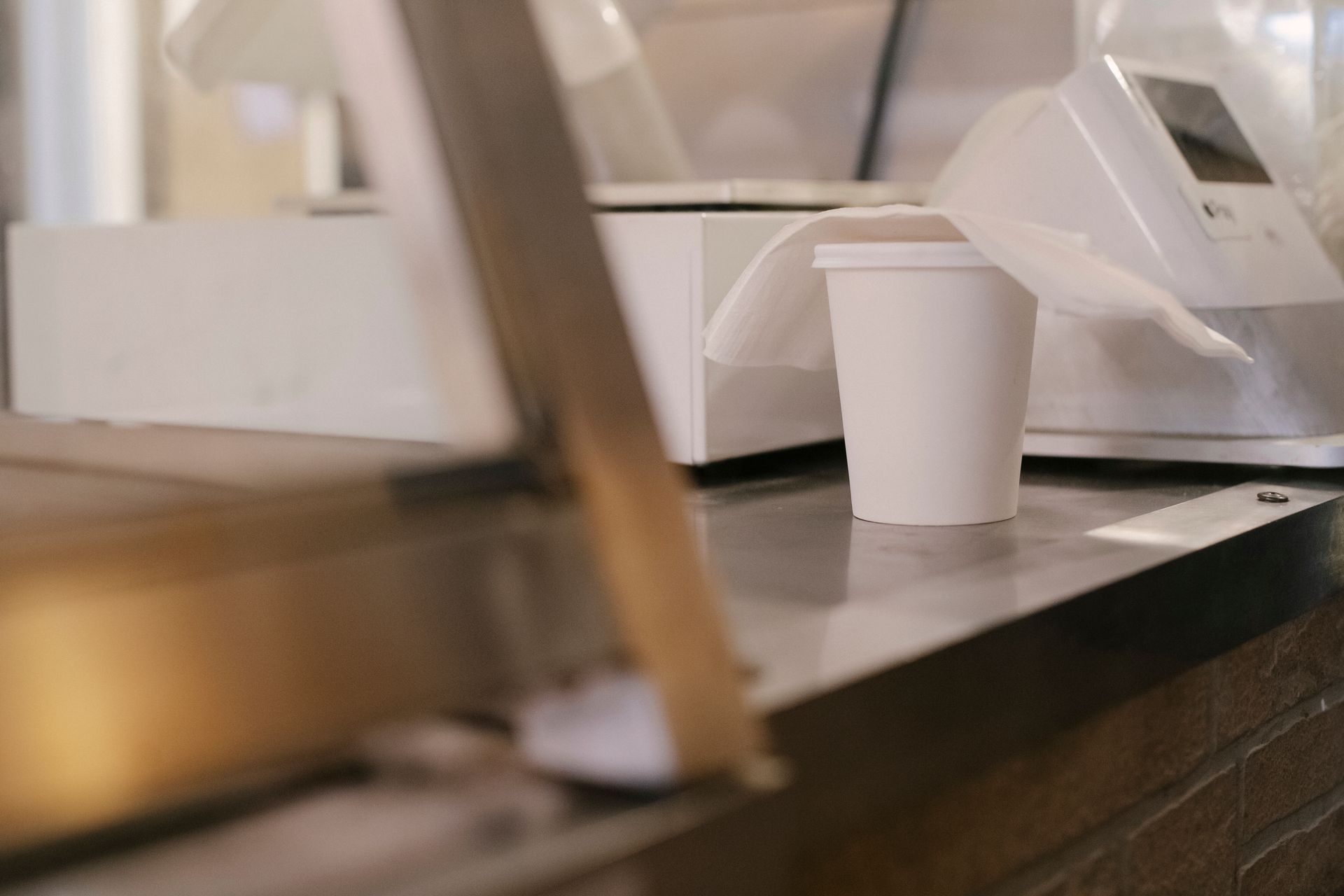
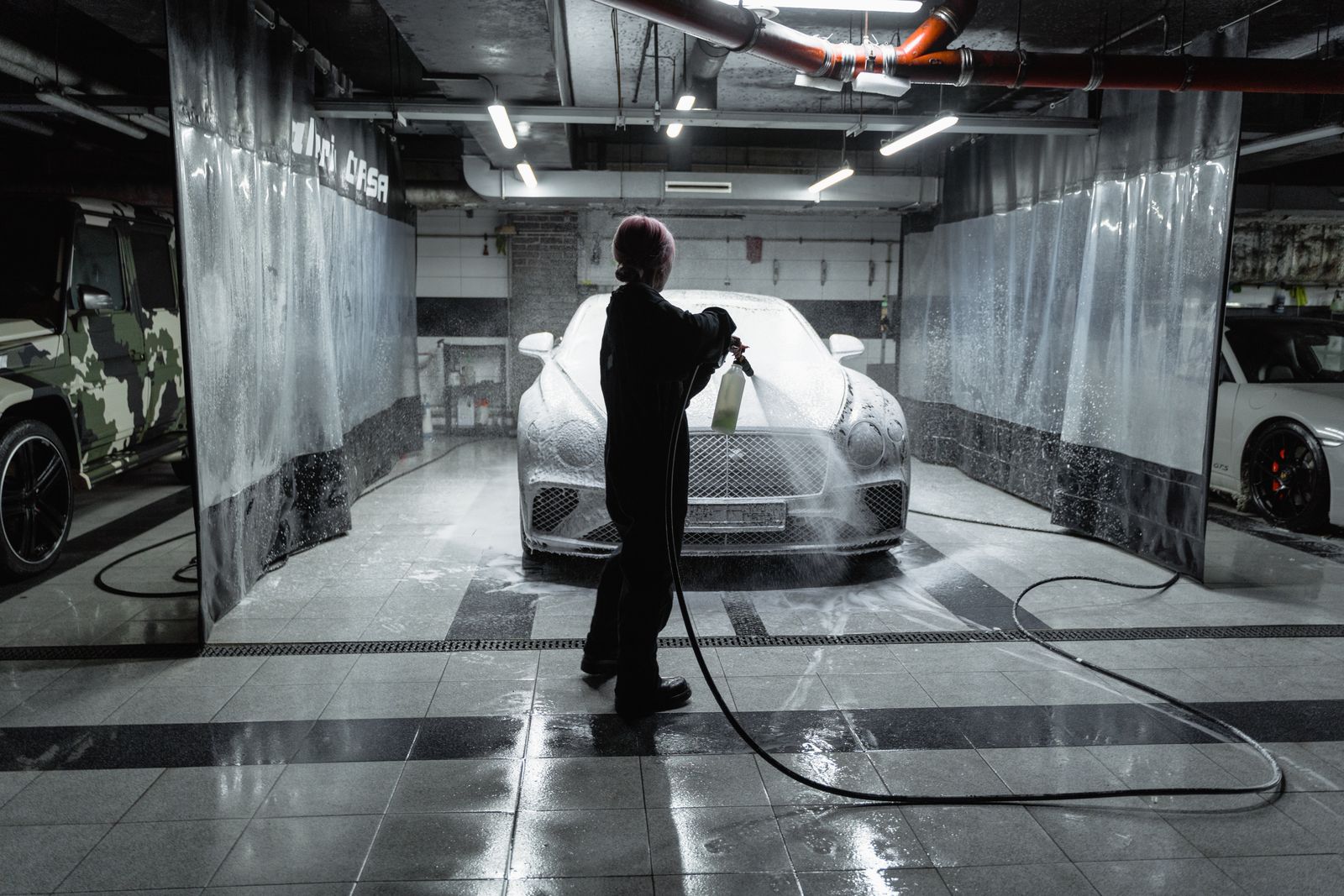
For wherever customers wait. From a flat white to a freshly washed car, let people follow your workflow and know when it’s ready.
Start with an App Clip.
Scan the code. Open the App Clip card. Get straight to tracking, without downloading the full app.
Open the App Clip card
The App Clip card is the front door. Customers open RoboPager’s focused iOS experience and follow their order or service right away.
Progress, at a glance.
Live Activities keep progress visible on the Lock Screen and in the Dynamic Island. Your customers can get on with their day and still know when it’s ready.
App Clip and Live Activities on supported iPhones. Browser tracking on other devices.
Your next update starts here.
Track your order or service without downloading the full app.
App Clip card
We’ll let you know when it’s ready.
Live Activities · Lock Screen + Dynamic Island
Illustrative iOS experience.
Scan. Follow. Get notified.
Keep customers in the know, from first step to ready.
Explore the workflowsScan
Customers scan your QR code. On iPhone, the App Clip card opens the experience. Other devices can track in the browser.
Follow
Your team moves the request through your custom stages. Customers see the progress, whether you’re preparing lunch or washing a car.
Get notified
When it’s ready, they know. Live Activities keep iPhone customers updated on their Lock Screen and Dynamic Island.
Define your stages.
Your business sets the stages. Customers follow along. Explore a few examples, then build the workflow that fits how you work.
Interactive workflow demo
Choose a stage. See what your customer sees.
This customer paging illustration does not create a real request.
Order placed.
Your order is in. Follow its progress here.
Made just for you.
Your order is being prepared. We’ll let you know when it’s ready.
The finishing touches.
Your order is being wrapped up.
Your order is ready.
Head to the counter. Your order is ready to collect.
Interactive workflow demo
Choose a stage. See what your customer sees.
This customer paging illustration does not create a real request.
Your car is checked in.
Your car is with the team. Follow its progress here.
A fresh start.
Your car is being washed. We’ll let you know when it’s ready.
The final polish.
Washing is done. Your car is being dried.
Your car is ready.
You’re ready to go. Please collect your keys.
Interactive workflow demo
Choose a stage. See what your customer sees.
This customer paging illustration does not create a real request.
You’re checked in.
The team has received your item. Follow its progress here.
In good hands.
The team is working on your service. We’ll let you know when it’s ready.
Ready for collection.
Your service is complete. You can collect your item.
Order placed → Preparing → Wrapping → Ready
Car received → Washing → Drying → Ready
These are examples. Name, add or remove stages to fit your business.
Every kind of ready.
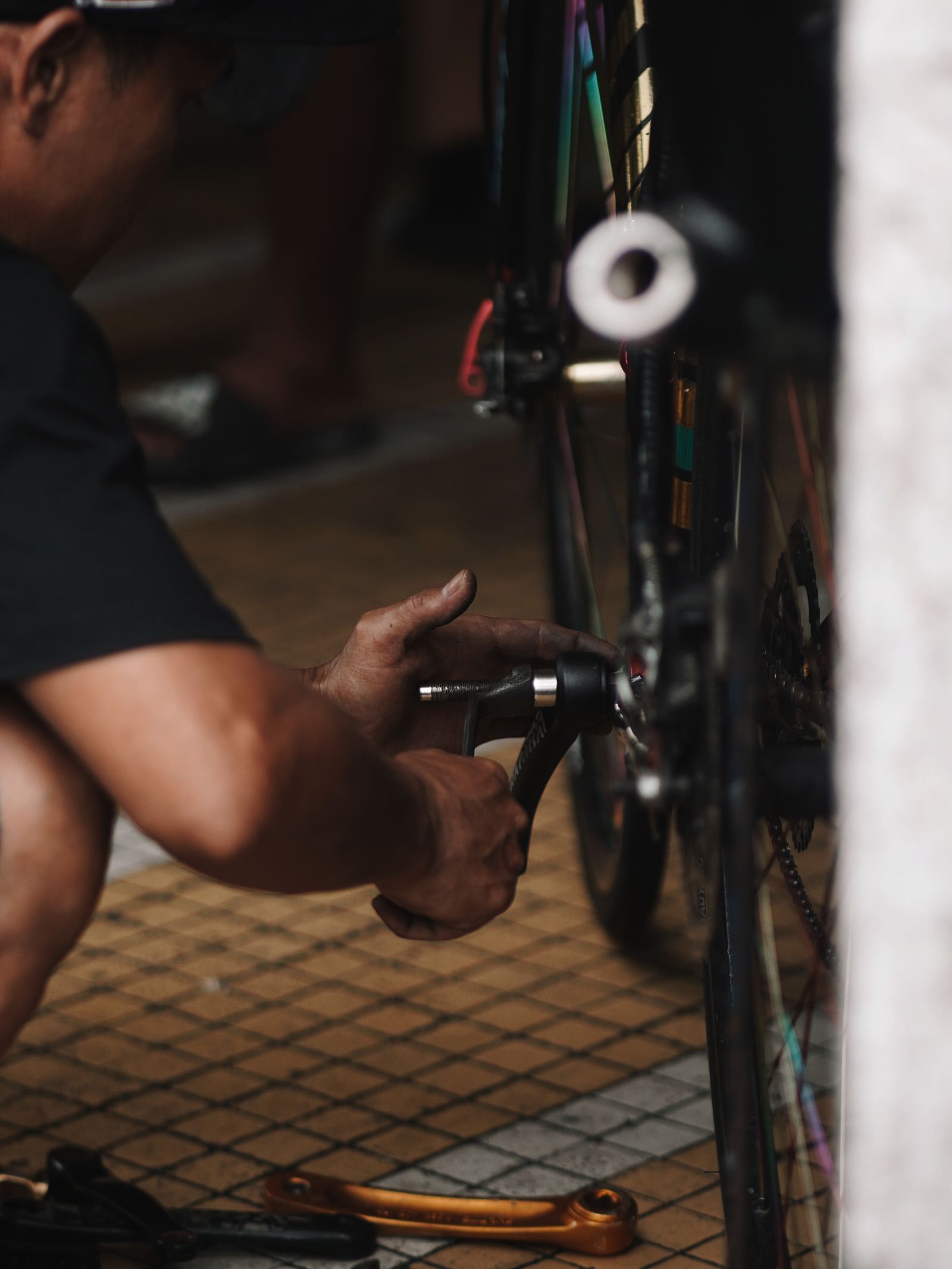
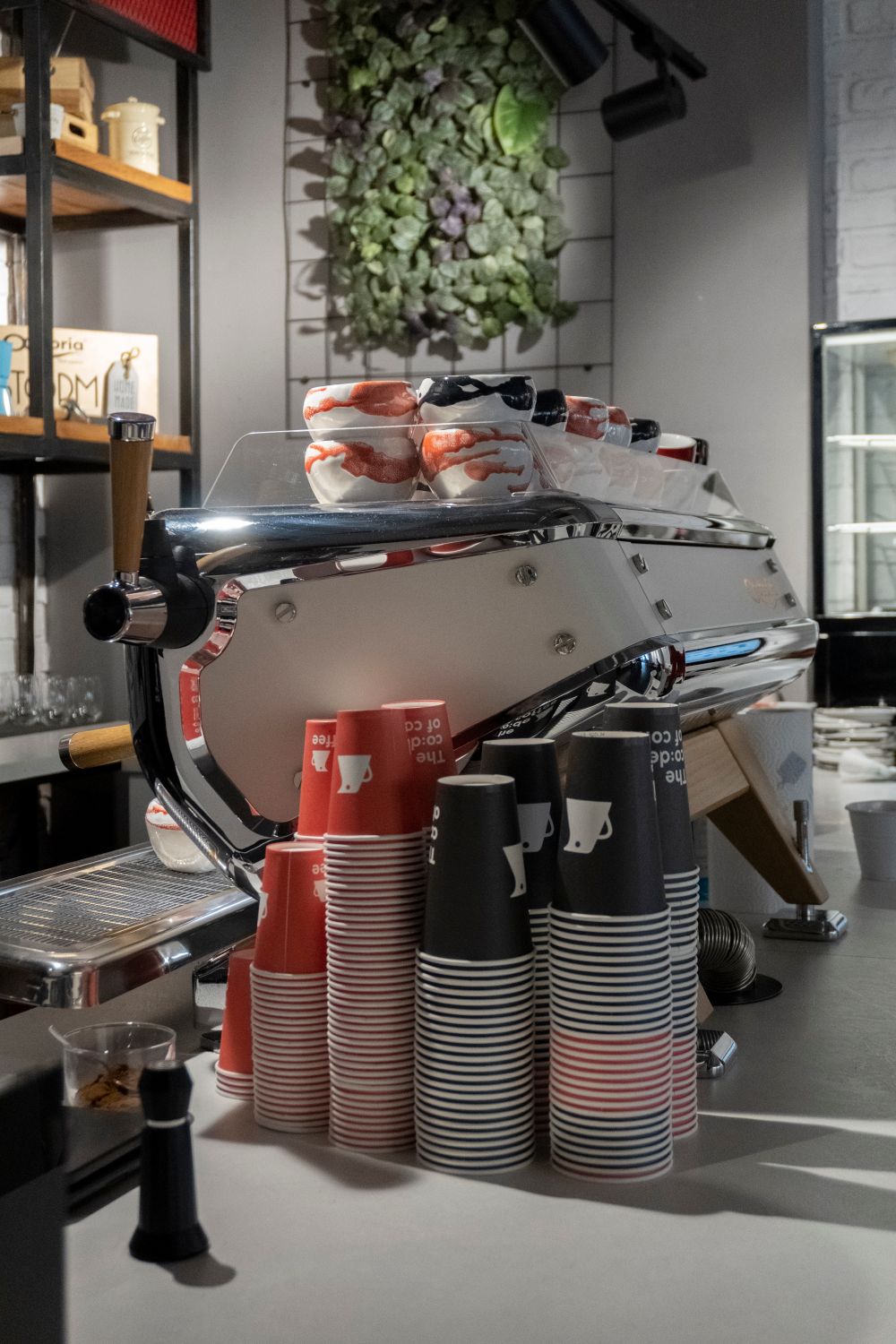
For cafés, car washes, service desks and anywhere else your customers need a heads-up.
Many branches
One account. Separate numbering, expiry and QR mode per branch.
Customer displays
Show each order QR on a tablet or a window screen. Pair it with a code.
Static or dynamic QR
Print one code for the counter, or show a new one per order.
Reports
Volume, time to ready and time to collect, by branch and date.
Team and roles
Invite staff and limit what each role can see or change.
Truly custom workflows
Name your stages, add or remove steps, and give each business or branch the workflow it needs.
English and Arabic
Full right-to-left layout, one tap to switch.
Light and dark
Both modes, built for bright counters and dim kitchens.
Questions, answered.
Do customers need the full app?
No. On supported iPhones, customers can use the App Clip via its card without downloading the full app. Browser tracking is available on other devices. Notifications depend on device support and customer permission.
Can I run more than one branch?
Yes. One account holds all your branches, each with its own numbering, QR mode and order expiry.
Does it work in Arabic?
Yes. The portal switches between English and Arabic with a full right-to-left layout.
How do I get started?
Create an account, set up your first branch, then print its QR code or pair a customer display.
Is it only for cafés?
No. RoboPager works wherever customers need to know when something is ready: food, car washes, service desks, repairs and more. Define your own stages, from Car received to Washing, Drying and Ready.
Give waiting an upgrade.
Keep customers updated through every stage of your service.